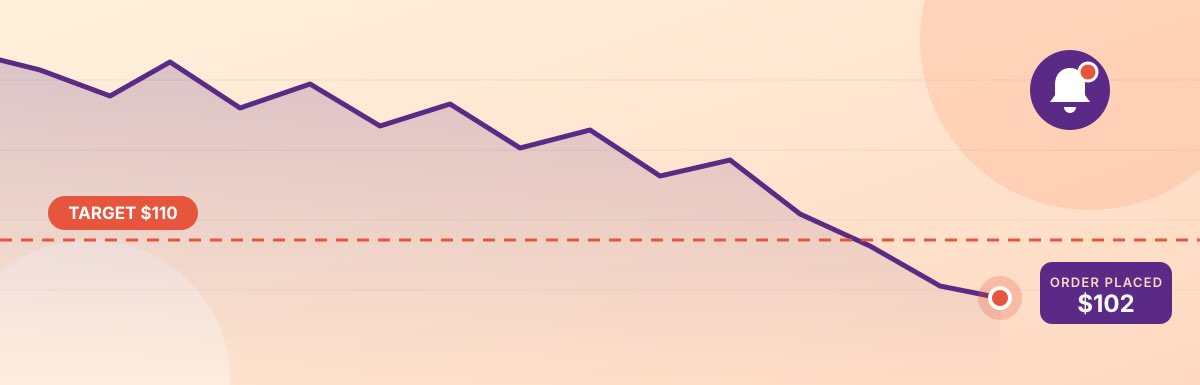
When you buy a stock or ETF, you can enter a market order or a limit order. A market order accepts the current price. A limit order executes only when the price is at or lower than the limit price you set. You can set your limit order to expire at the end of the day or make it Good ’Til Canceled (GTC), which keeps it open for extended times until it’s canceled or executed (60 days at Vanguard, 180 days at Fidelity and Schwab).
These concepts have now entered Amazon shopping.
Shopping on Amazon had traditionally been akin to market orders. Amazon changes prices frequently, sometimes multiple times a day. You see the price; take it or leave it.
The website camelcamelcamel.com tracks Amazon prices. If you’re interested in something on Amazon, you can paste the link into camelcamelcamel to see the price history. You can create an alert on camelcamelcamel if you wish to buy the item when the price is lower. They will email you when the price hits your target, very much like stock price alerts. camelcamelcamel earns a commission from Amazon if you click on its links before buying on Amazon.
Amazon has created a chatbot that works similarly to camelcamelcamel. You don’t have to leave Amazon to see price history or create price alerts. If you use the in-house chatbot for price alerts, Amazon won’t have to pay camelcamelcamel a commission. Amazon calls this Alexa for Shopping.
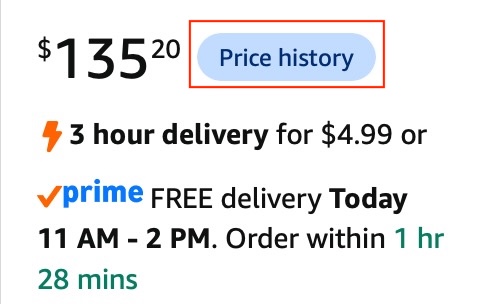
Amazon shows a Price History button right next to the price of an item.
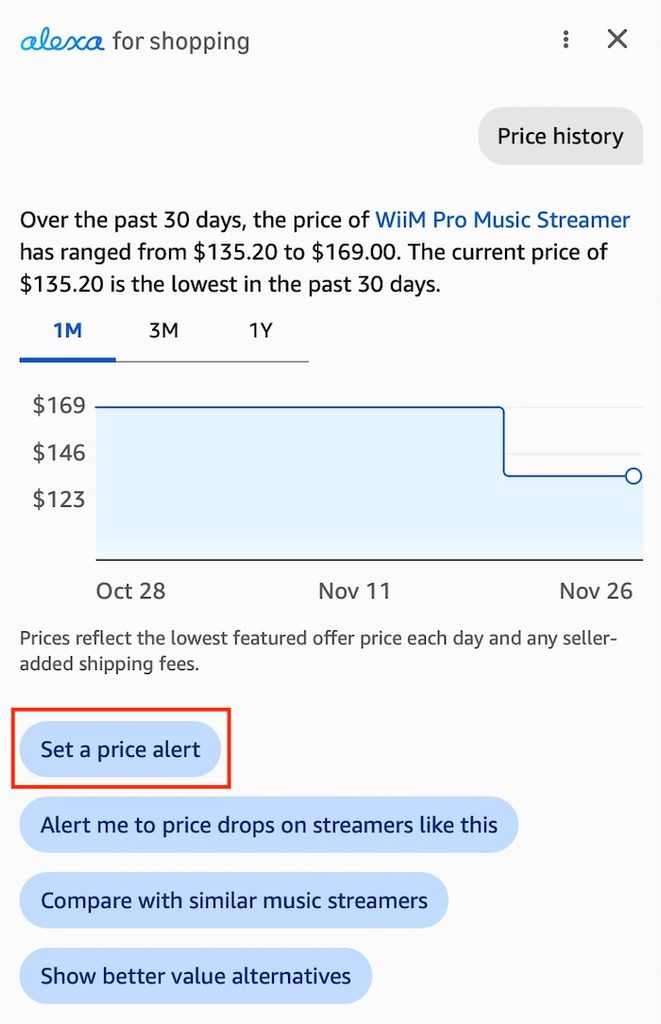
Clicking the price history button opens a side panel with a chatbot. One option the chatbot offers is setting a price alert if you wish to buy it at a lower price.
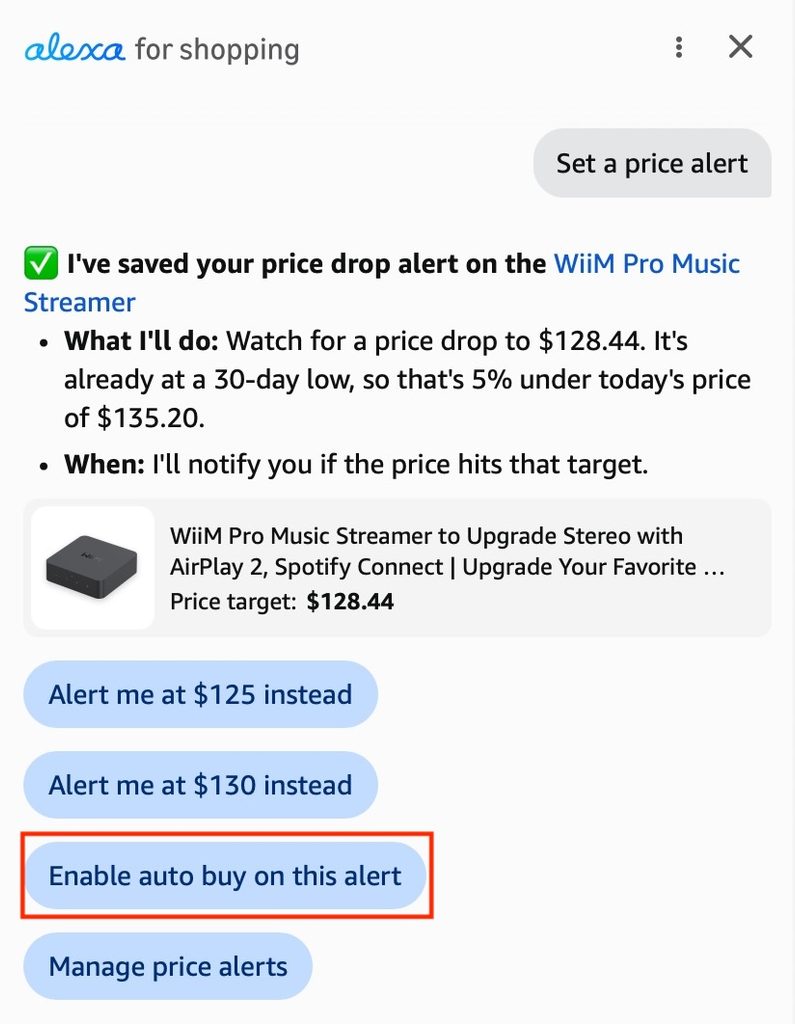
If you ask the chatbot to set a price alert, it automatically sets it at 5% below the current price. You can change the target price with “Manage price alerts” below. You can stop here and only wait for the alert, but the more interesting option is to “Enable auto buy on this alert.” You can also change the target price and then enable auto buy.
[A side note: I’m only using this WiiM Pro music streamer as an example. I already have it. It’s a great gadget to stream music and Internet radio to speakers.]
Auto buy works like a limit order for buying stocks and ETFs. You’re committing to buy the item at or below your target price. The Amazon bot will watch the price. If the price hits your target, the bot will place an order using your default shipping address and payment method. The price will still be the market price at that time. It can be lower than your limit price, but not higher. camelcamelcamel can only send you a price alert. Amazon’s bot can take a step further and place the order automatically if you so choose.
I tried the Alexa for Shopping bot on this humidifier. The price was over $300 when I looked at it. The price history showed it was way too high. The normal price should be around $130 to $150. I set a target at $110 and enabled auto buy. Sure enough, I got an email on Thanksgiving Day saying the bot placed an order when the price dropped to $102.
Other AI agents may work across many different shopping sites, but I’m not ready to go that far yet. The Amazon bot looks benign because it uses everything Amazon already has internally. It works well for things you know you want but you’re not in a hurry. Set a price alert, enable auto buy, and let the bot do the work.

Remember to cancel the auto buy with the bot if you no longer want the item. You can go back to the bot by clicking on Alexa for Shopping in the menu bar after you log in to Amazon’s website. It will show you what it has when you say “manage price alerts.”
Learn the Nuts and Bolts
I put everything I use to manage my money in a book. My Financial Toolbox guides you to a clear course of action.
Leave a Reply